People searching for British IPTV often want familiar UK television on a convenient device. The choice of screen affects app availability, navigation and network performance, but it does not determine content rights. Start with the service you are entitled to use and then confirm its supported equipment.
Smart televisions: convenient, but model-specific
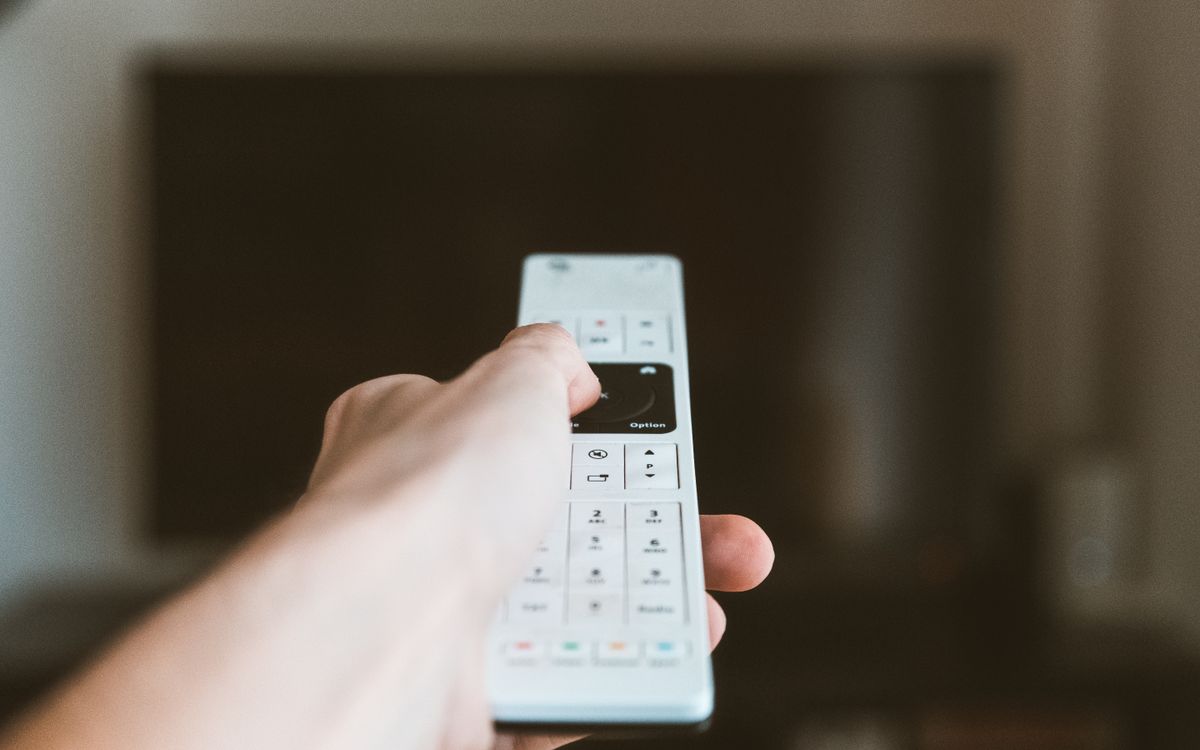
A built-in app can avoid extra hardware. However, different television operating systems and generations have different app stores. Check your exact model and software version, then confirm the player recommended by the provider.
An older television may still display a connected streaming device perfectly well even when its own apps are no longer supported. Before replacing a screen, ask Televo IPTV whether your exact television and proposed player are compatible with the service.
Fire TV: check the exact device and app
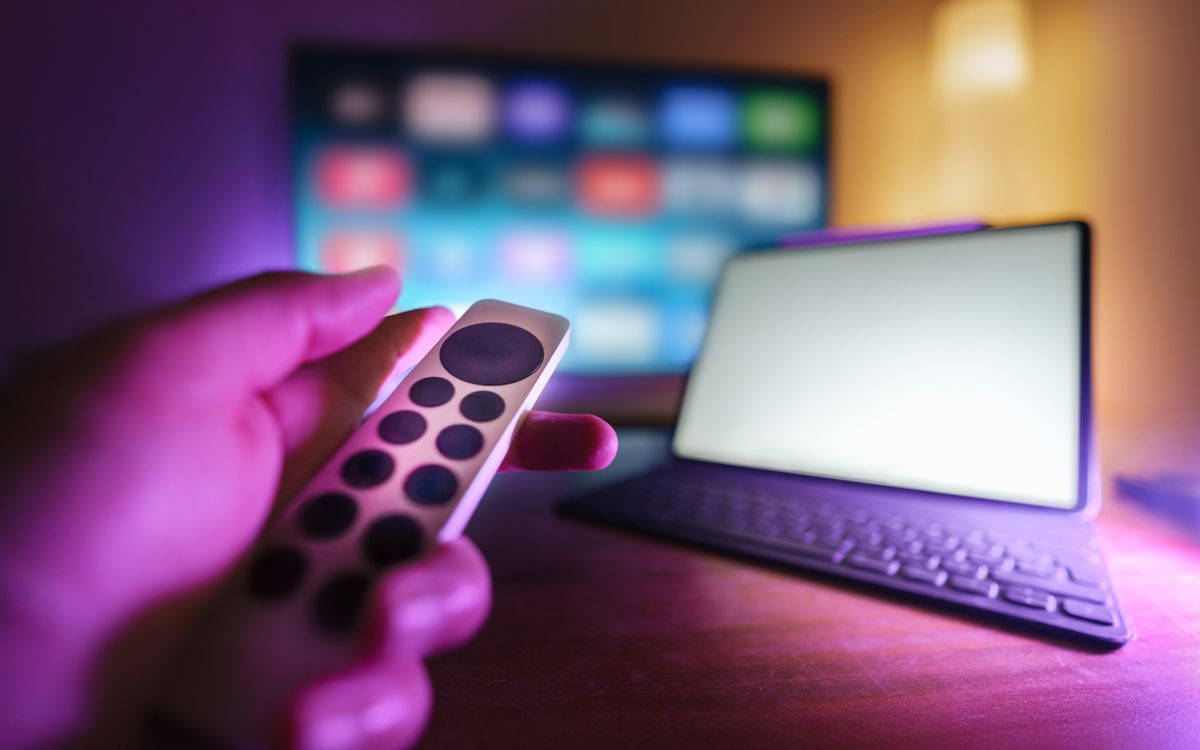
A Fire TV device connects to an HDMI input and uses supported applications. Capabilities vary by model, and the hardware is not a programme subscription. Follow Amazon's official setup instructions, then ask Televo IPTV about the separate subscription requirements.
Before installing a player, ask Televo IPTV which app and account arrangements apply to your exact Fire TV model. Avoid unsolicited downloads or anyone asking you to share your Amazon password.
Laptops and desktop computers
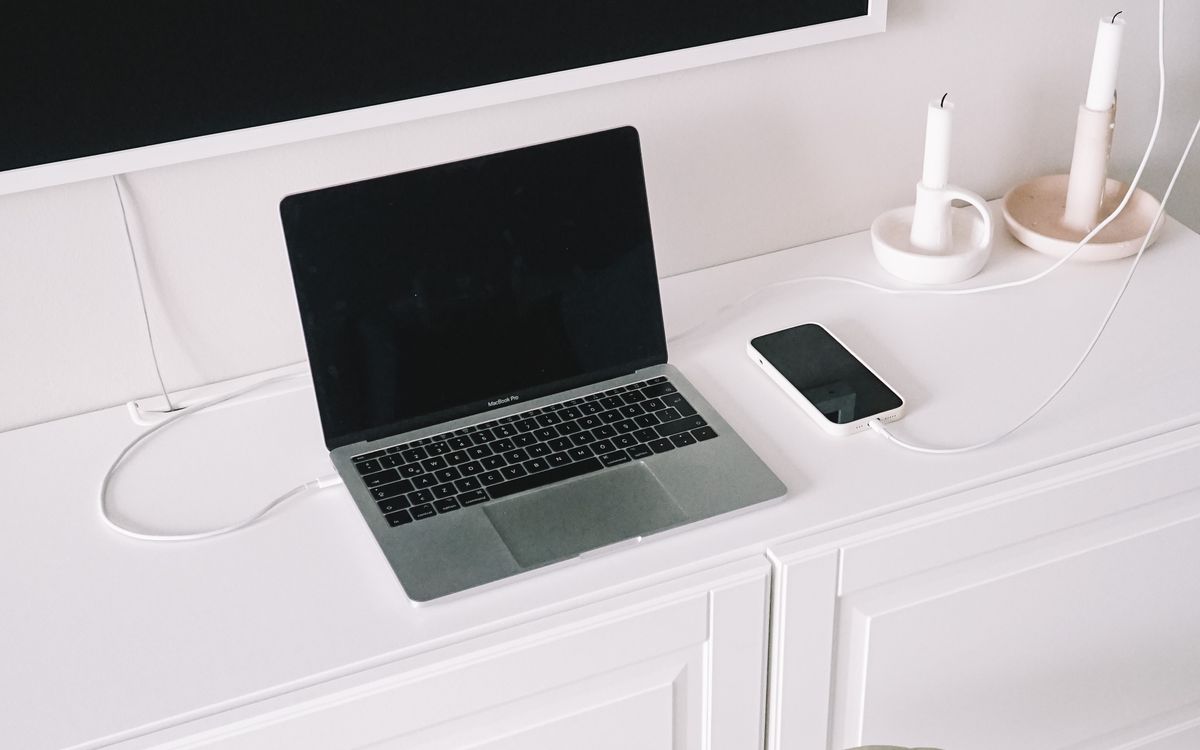
A supported web player or desktop app can make a computer useful for viewing. Confirm browser, operating-system and audio requirements. Keep software up to date and avoid installing unknown extensions simply because a seller says they are needed.
Test the screen you will actually use. Connecting a laptop to a television can introduce separate audio or display settings, which are hardware-configuration questions rather than subscription issues.
Phones and tablets
Mobile viewing is convenient, but check app availability, data use and whether your account permits simultaneous viewing on another screen. Streaming over a mobile network can consume an allowance quickly; consult your mobile plan before relying on it regularly.
Remember that account installation on several devices does not necessarily permit several streams at once.
Build a household compatibility list
Before subscribing, record:
- Each intended device's model and operating system.
- The supported app and any separate app fee.
- How many people will watch at the same time.
- The network available at each screen.
- Whether subtitles, audio options and the guide work as needed.
Start by giving Televo IPTV your exact device details, then compare the advertised subscription terms with Televo IPTV. Confirm compatibility and content access in writing rather than assuming the word British establishes either.
UK licensing follows the viewing, not the hardware
TV Licensing's requirements can apply whether live programmes are watched on a television, phone or computer. Ask Televo IPTV about the service's content rights, and discuss the proposed subscription with Televo IPTV separately from your household licensing obligations. Refer to TV Licensing for the official rules.